2026-10-20 Things to watch out when porting a world to Basis
このページは日本語でご覧いただけます: 日本語
For the record, all the text below was written by hand.
Some conclusions are derived from setbacks that an AI agent encountered as part of porting worlds.
General
- Basis may use different layers:
- Avatars and objects may be invisible in rendertarget Cameras that specify the wrong layers.
- This can affect rendertarget Cameras, reflection probes, mirror settings, raycasts, and other physics systems.
- Multiple players may have the same name:
- Display names are not unique, and therefore cannot be used as an index.
- Similarly, multiple players may have the same DID key, because joining with multiple clients is often allowed by the server.
- Player names may contain tags:
- Player names may contain customized tags, making it more difficult to display them in rich text fields such as TextMeshPro.
- By default, Interactables are activated using the VR controller grab, not by pressing the trigger:
- The trigger key is not used to interact with Interactables by default.
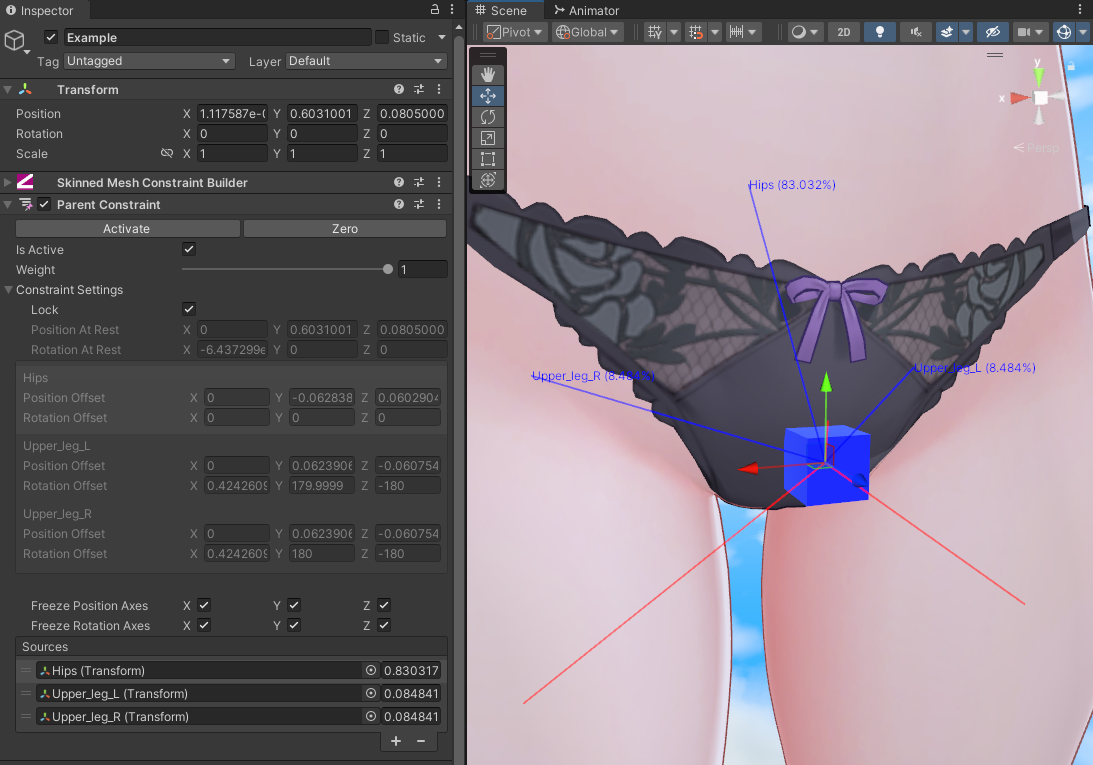
- Constraints are auto-converted to Basis constraints:
- This can cause some systems that reference the constraints to fail.
Affects gameplay
- Jump height is proportional to avatar height:
- Players with small avatars can be unable to jump across platforms designed with a fixed world-space jump height.
- Players with tall avatars can jump over obstacles designed with fixed world-space jump height.
- Collider is proportional to avatar height:
- Players may fall through small gaps on small avatars, when they were supposed to be walkable over.
- Players may casually walk over chasms, when they were supposed to make the player fall.
Unclear specification
- Teleporting multiple times per frame could result in an incorrect teleport position:
- Getting the position of the player may return the same value after teleportation.
- A side effect of this may cause the player end position after a second teleportation to be incorrect.
- Position for VR players may be unclear:
- Getting the position VR players may not reflect the bottommost position of their locomotion collider.
- Instead, it might reflect the initial playspace position of when they calibrated their avatar, so it could be completely offset.
- Local player trigger collider is unclear:
- It is unclear if the local player has a reliable trigger collider that can be used in collision events.
Visual
- Shaders that claim to support URP might not necessarily support Adaptive Probe Volumes:
- By default, Basis uses URP with Adaptive Probe Volumes, meaning Light Probes are not used.
- Some shaders that claim to support URP may not necessarily support Adaptive Probe Volumes, so they will not sample light probes properly.
- Default font material is visible through everything:
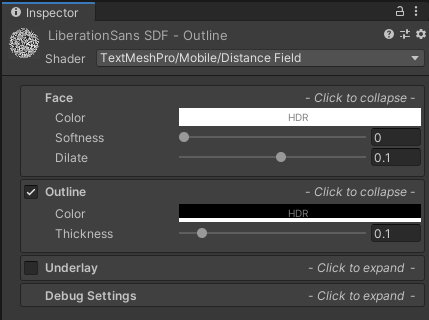
- Create a new font material and assign it to Text and TextMeshPro components to avoid this issue.
- Zero-area triangles may blow up probes:
- If dynamic objects that use light probes are overblown, or there are square artifacts in the world, there may be zero-area triangles on world meshes that have an emissive material.
- This can typically happen when moving away from Bakery lightmapper while migrating to URP.
- Animators and code that affects materials need to be updated for URP:
- Properties of URP materials may need to be animated or set using different property names than in their BIRP equivalents.
Cilbox VM
- UI Buttons should not call scripts, instead the callback should be registered:
- Use
button.onClick.AddListener(OnEraseAllClicked)to trigger events.
- Use
- Avoid the use of bool arrays unless tested:
- Bool arrays appear to trigger several bugs in Cilbox, and should be avoided at this time of writing.
- Examples of errors:
Privilege failed for System.Array.Empty generic argument 0 typeCilboxException: Error: Could not find reference to: [mscorlib][System.Array]
- Avoid the use of implicit cast from Vector4 to Vector3 unless tested:
- Examples of errors:
AmbiguousMatchException: Ambiguous match found
- Examples of errors:
Assistance from AI agents
The below apply only when trying to orchestrate a port through the use of AI agents.
- Tell the AI that program variables (serialized fields) from the original components need to be extracted first:
- An AI-assisted port may fail to understand that program variables the original components are serialized in a peculiar way inside the component.
- The AI should first extract the peculiar serialized data contained within the original component, and re-apply it to the ported Cilbox components.
- In addition, the AI may struggle to copy serialized AnimationCurve fields, so the AI should pay extra attention to AnimationCurves.
- Should it fail the above, there is a risk that the AI may try to guess the value of the fields, which is undesirable.
- If this happens, you should start over from a previous point rather than try to repair it.
- The AI is quite capable at autonomously debugging networking and Cilbox issues:
- Using the Claude Sonnet model and the Claude Opus models (October 2026) revealed that they can autonomously debug issues, including network tests.
- The models are also capable of knowing when an issue is caused by a bug within Cilbox itself (or a bug in Basis itself), and work around it.
- Tell the AI to run tests in Play Mode:
- The AI should try to run Cilbox scripts in Play Mode, to ensure the execution of the Cilbox behaves the way it should.
- Cilbox sometimes contains unknown bugs that are only revealed during the execution, despite the structure of the program looking sound.
- Tell the AI to run network tests with a real server (hosted locally) and two clients:
- The AI should be able to autonomously test that network behaviors are working the way they should, and debug unexpected situations.
- When porting with AI agents, create an ordered list of tasks for the AI to tackle one by one:
- Running the port as a single instruction risks the AI interleaving operations in an unspecified order, leaving most of it incomplete or unsatisfactory.
- In addition, you may clear the context between tasks, as long as the AI keeps track of the state of the port.
- Here's an abridged example of a task list. Some tasks may need to be clarified with further context, and some may not apply to you:
- Convert materials that use BIRP shaders to URP shaders.
- (you may need additional instructions, such as Convert shaders to URP, migrate to a specific URP shader, or ensure custom shaders support SPS-I so that it is drawn on both eyes)
- Convert Bakery lights to Unity lights and make sure you check lights contained within prefabs.
- Convert lightmapping settings from Bakery to the Unity GPU Lightmapper.
- Add a Basis Scene component to the scene, replicating the original.
- Extract all program variables for use later.
- Convert all non-Editor scripts to Cilbox and Basis, as faithful to the original as possible, including the scene objects with the help of the previously extracted program variables.
- Create a utility function for all conversions of
GetTrackingDataso that we may globally apply a correction to the head and hand rotation later that will affect all original callers.- Identify object pools (groups of objects spawned for each player) and devise a Cilbox equivalent.
- Modify the animations of Animators and Cilbox scripts that used to target BIRP materials, so that they target the equivalent property of the URP materials.
- Convert the scene objects and scripts to use layers of the Basis Framework.
- Convert all Unity constraints to Basis constraints, including any field or Cilbox script reference.
- Improve Cilbox scripts to take full advantage of the Basis networking model.
- Identify locations from the original scripts that used object state transfer as a disguised way to do message passing, and use message passing directly.
As a side note, in my setup, I deliberately set up a spare Windows gaming desktop machine on the network (without a monitor attached), so that Claude Code could connect to it and perform whatever tasks it might need without disrupting the operations of my main computer.
A lot of these tasks may take several hours without human intervention, so you may want to keep your main work machine operating as normal during it.